How to make a website for a dental clinic
A dental website has to calm a nervous patient and make booking effortless. Here are the pages, the details that build trust, and the local SEO that brings patients in.
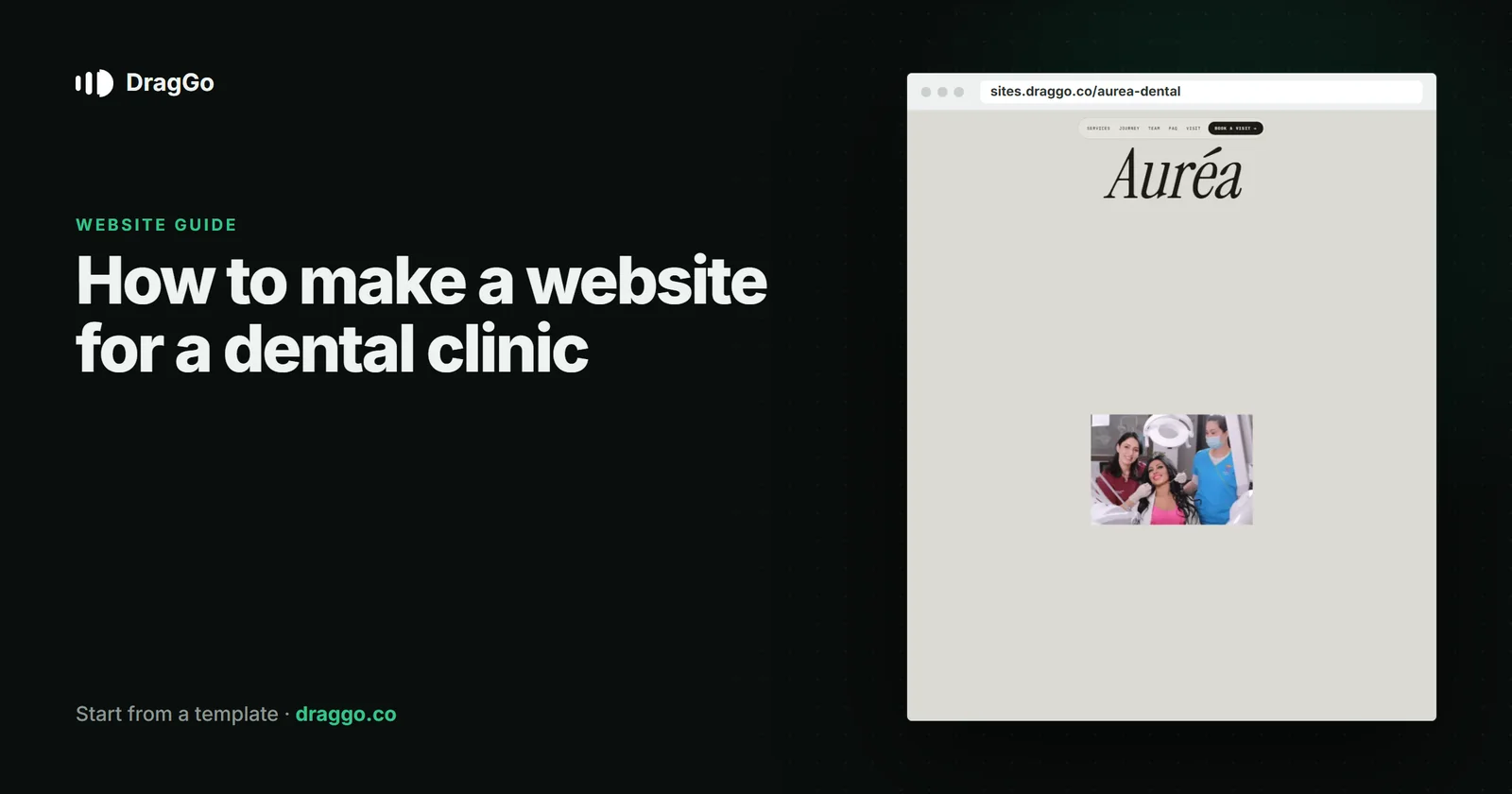
Short answer: a dental clinic website has to do two things at once — reassure a patient who may be anxious, and make booking effortless. Show the real team and the real clinic, list treatments with honest prices or price ranges, answer the fears people have before they call, and put the booking button and the phone number on every page.
The one job
People compare two or three practices before they choose. They choose the one that feels calm, clear and close. The site's job is to be that one, fast.
The pages you need
- Home — the clinic name, the area, new patients welcome or not, and Book an appointment.
- Treatments — check-ups, hygiene, whitening, implants, orthodontics — one short section each: what it is, how long it takes, what it costs or starts from.
- Emergency dentistry — its own page, with the number. It is one of the most searched phrases in the field.
- The team — real photographs, names, qualifications.
- Nervous patients — what you do to make it easier. This page quietly wins a lot of bookings.
- Fees and payment plans, insurance and finance options.
- Contact — the map, parking, accessibility, opening hours.
What goes above the fold
- The practice name, the town or neighbourhood, and whether you take new patients.
- A Book button and a tappable phone number.
- A photograph of the actual clinic or team — patients recognise stock photos immediately.
Details that build trust
- Prices or "from" prices. Uncertainty about cost is the biggest reason people delay treatment.
- Qualifications and registrations, stated plainly.
- Reviews that name the treatment — "my implant", "the hygienist" — rather than generic stars.
SEO and answer engines
- Use the
Dentistschema type with address, opening hours, phone and the treatments you offer. - Give emergency dentistry and each main treatment its own page, answering the question in the first two sentences — "How much does teeth whitening cost at …?"
- Keep your name, address and phone identical on the site and your map listing.
Build it with DragGo
- Open the Auréa — Dental Clinic template — a calm clinic site with treatments, the team and booking already laid out, or pick any other from the Marketplace.
- Hand the Agent your logo, a text file with what you do, and your photos. It puts them into the template's own places, writes whatever your files leave out, and asks for the facts only you know — phone, address, hours — instead of making them up. Here is that flow, step by step.
- Check it on Desktop, Tablet and Phone — each has its own layout you can adjust.
- Press Publish. The site is live on a free address, and you can connect your own domain for free with the certificate included.
Titles, descriptions, canonical links and structured data are written for every page when you publish, and the pages are plain HTML, so both search engines and AI answer engines can read them.
A checklist
- Book button and phone number on every page.
- Treatments with honest prices or ranges.
- An emergency page and a nervous-patient page.
- Real photographs of the team and the clinic.
Dentistschema and matching local details everywhere.