How to make a gym or personal trainer website
A gym website sells a first visit, not a membership. Here is how to make the offer clear, show prices and the timetable, and turn a browser into somebody walking through the door.
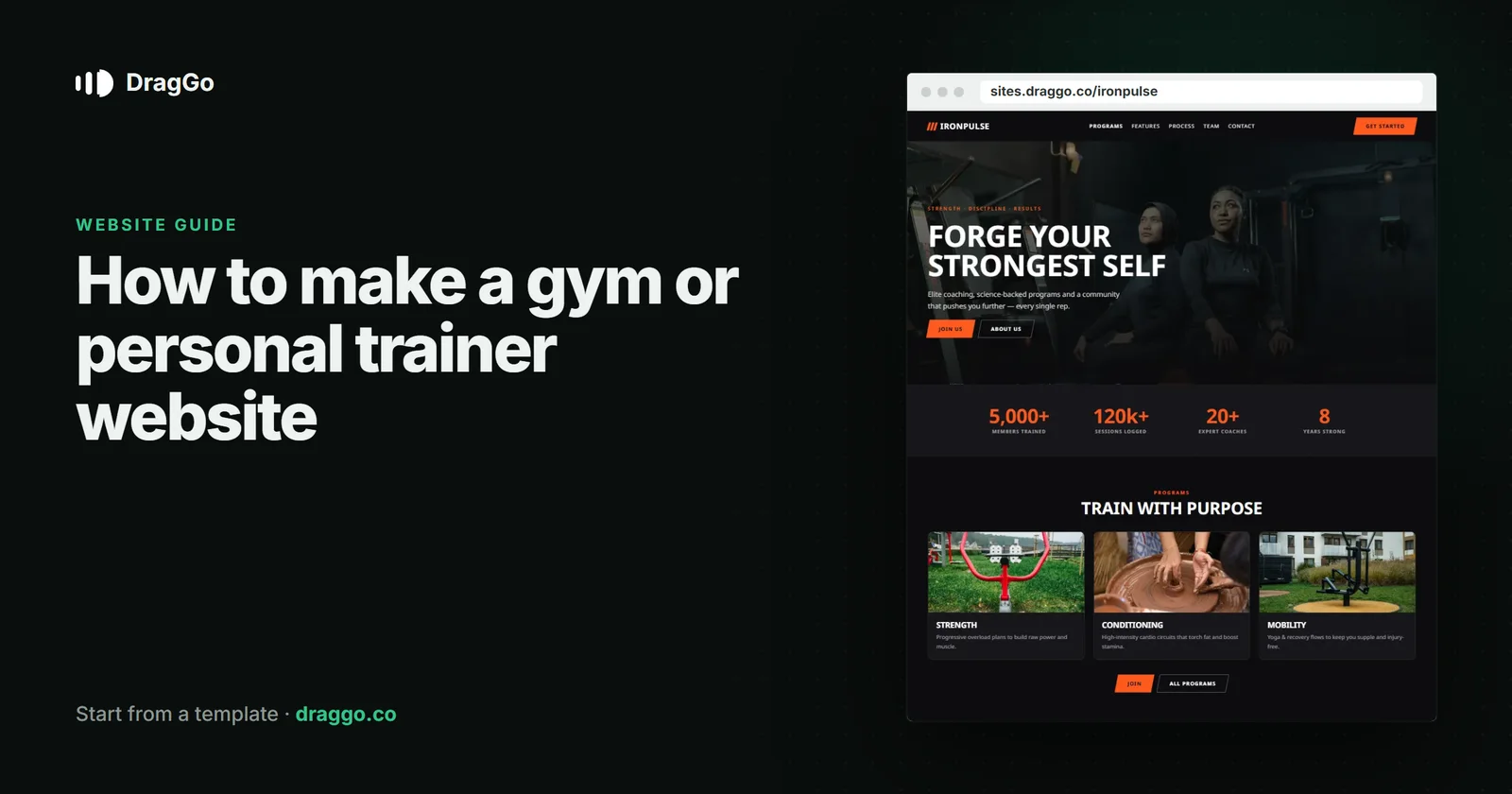
Short answer: a gym or personal-trainer website should sell the first visit, not the whole membership. Make the offer obvious — a free class, a trial week, an intro session — show prices and the timetable openly, prove results with real members, and make booking that first visit take one tap on a phone.
The one job
People join the gym they can picture themselves in. The site's job is to remove every reason not to try it once: cost, intimidation, not knowing where or when.
The pages you need
- Home — who it is for (beginners, lifters, classes, women-only, over-50s), the location and the intro offer.
- Memberships and prices — every option in one table. Hidden prices send people to the gym that shows them.
- Timetable — classes by day and time, as text, kept current.
- Trainers — real people, what each one specialises in.
- Results — members' stories with their permission, specific and believable.
- Book a free session — a short form or your booking tool.
What goes above the fold
- What kind of gym this is, in one line, and the area.
- The intro offer and one button: Book your free class.
- A photograph of your actual space with real members in it.
Details that turn visitors into members
- Beginner reassurance — what the first session looks like, what to bring, that nobody will judge.
- Opening hours, including early and late ones — they are a deciding factor for people who work.
- No-contract options, if you have them, stated plainly.
SEO and answer engines
- Use the
ExerciseGymschema type (orSportsActivityLocationfor a studio), with opening hours, address and price range. - Write each class type as its own section or page, answering "what is it and who is it for" in the first two sentences.
- An FAQ with the real questions — parking, showers, lockers, contracts — is exactly what AI assistants look for.
Build it with DragGo
- Open the Ironpulse — Fitness & Gym template — a gym site with memberships, classes and a trial offer laid out, or pick any other from the Marketplace.
- Hand the Agent your logo, a text file with what you do, and your photos. It puts them into the template's own places, writes whatever your files leave out, and asks for the facts only you know — phone, address, hours — instead of making them up. Here is that flow, step by step.
- Check it on Desktop, Tablet and Phone — each has its own layout you can adjust.
- Press Publish. The site is live on a free address, and you can connect your own domain for free with the certificate included.
Titles, descriptions, canonical links and structured data are written for every page when you publish, and the pages are plain HTML, so both search engines and AI answer engines can read them.
A checklist
- One intro offer, one button.
- Prices and the timetable, as text.
- Real trainers, real members, real space.
- Beginner reassurance on the page.
ExerciseGymschema and an FAQ.