How to make a landing page that people act on
A landing page has one job: get one kind of visitor to take one action. Here is the structure that works, what goes above the fold, and the mistakes that quietly cost sign-ups.
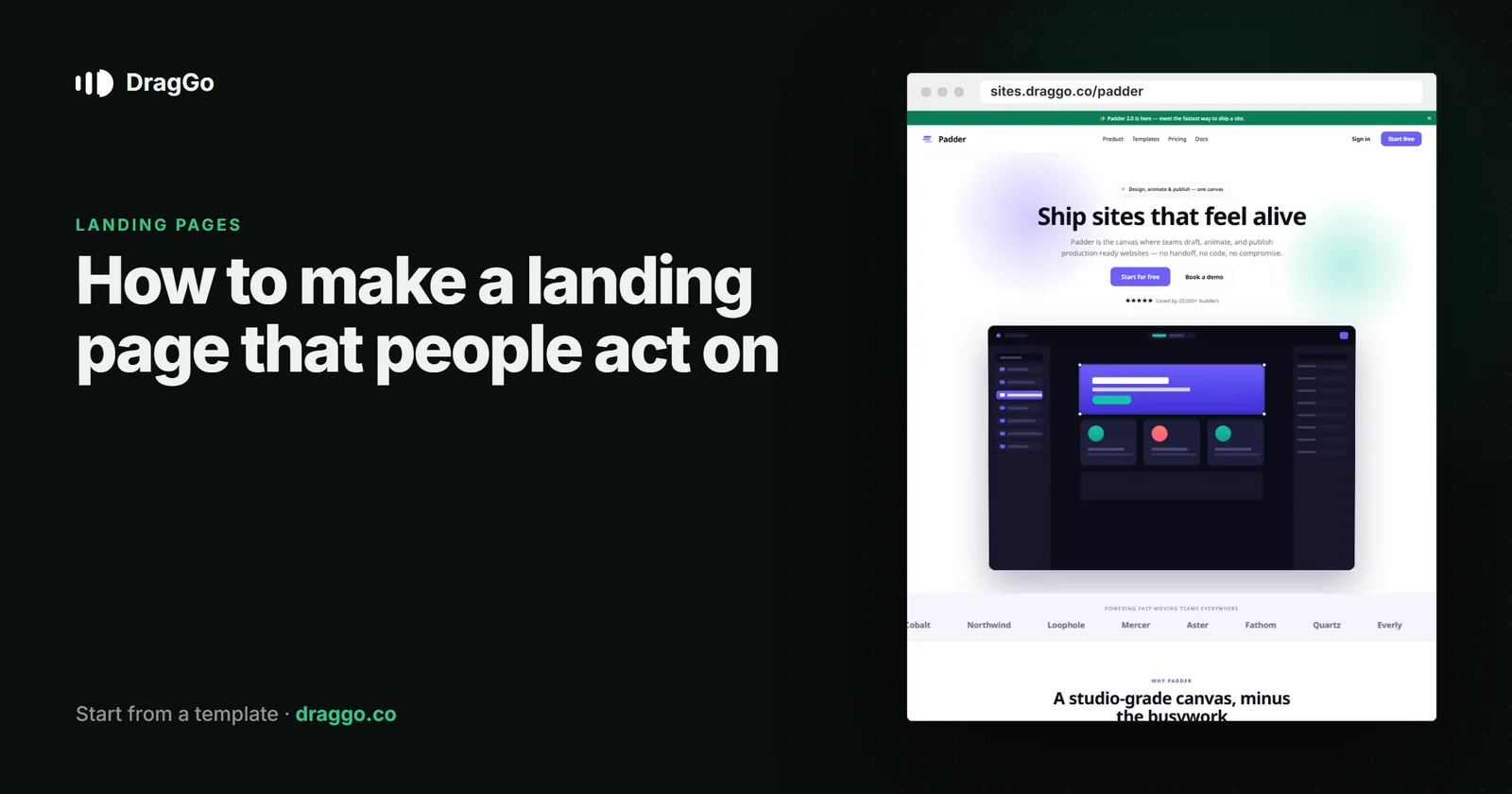
Short answer: a landing page has one job — get one kind of visitor to take one action. Say who it is for and what they get in the first screen, show proof, answer the doubts that stop people, and repeat the same single button at the end. Everything that does not serve that one action comes out.
Landing page or website?
A website is a place to look around: several pages, several reasons to visit. A landing page is one page built for one moment — somebody clicked an ad, a post or a link and wants to know one thing. That is why a good landing page usually has no main menu. Every link that is not the button is a way out.
The structure that works
- The first screen. A headline that names the outcome, one line that says who it is for, one button, and one picture that shows the thing itself.
- The problem, in their words. Two or three short lines a visitor recognises from their own week.
- How it works. Three steps at most. If it takes more, the page is explaining the product instead of selling the result.
- Proof. Real numbers, real names, real logos, a real quote. One honest testimonial beats six vague ones.
- What it costs, if it costs anything. Hiding the price makes people leave to find it.
- The doubts. A short FAQ with the three questions people actually ask before they commit.
- The same button again, with the same words.
What goes above the fold
- The headline says the outcome, not the category. "Invoices paid in half the time" beats "Invoicing software".
- The button says what happens next: Start free, Book a table, Get the guide. Not Submit.
- The picture is the product or the result, not a stock photo of people pointing at a laptop.
Mistakes that quietly cost sign-ups
- Two buttons of equal weight. People who have to choose often choose neither.
- A slow first screen. A heavy video or an oversized image is the most common reason a landing page loses people before it has said anything.
- A form that asks for everything. Ask for what the next step needs — usually an email address.
- A page that is not the ad. If the ad promised one thing and the page opens on another, the visit is over.
SEO and answer engines
A landing page made for ads can still earn search traffic if it answers a real question. Put the answer in the first two sentences, keep the words in the HTML rather than loading them with JavaScript, and give the page one clear title and description. A short FAQ with the answers visible on the page helps both search results and AI answer engines quote you.
Build it with DragGo
- Open the Padder — SaaS Landing template — a one-page landing with one offer, proof and a repeated button already in place, or pick any other from the Marketplace.
- Hand the Agent your logo, a text file with what you do, and your photos. It puts them into the template's own places, writes whatever your files leave out, and asks for the facts only you know — phone, address, hours — instead of making them up. Here is that flow, step by step.
- Check it on Desktop, Tablet and Phone — each has its own layout you can adjust.
- Press Publish. The site is live on a free address, and you can connect your own domain for free with the certificate included.
Titles, descriptions, canonical links and structured data are written for every page when you publish, and the pages are plain HTML, so both search engines and AI answer engines can read them.
A checklist
- One audience, one action, one button — repeated at the end.
- The outcome is in the headline and the first two sentences.
- Proof you can stand behind.
- The price, or where to find it.
- It loads fast and reads well on a phone.