How to make a law firm website
People look for a lawyer on a bad day. A law firm website earns the call by being clear, calm and specific. Here are the pages and details that do that.
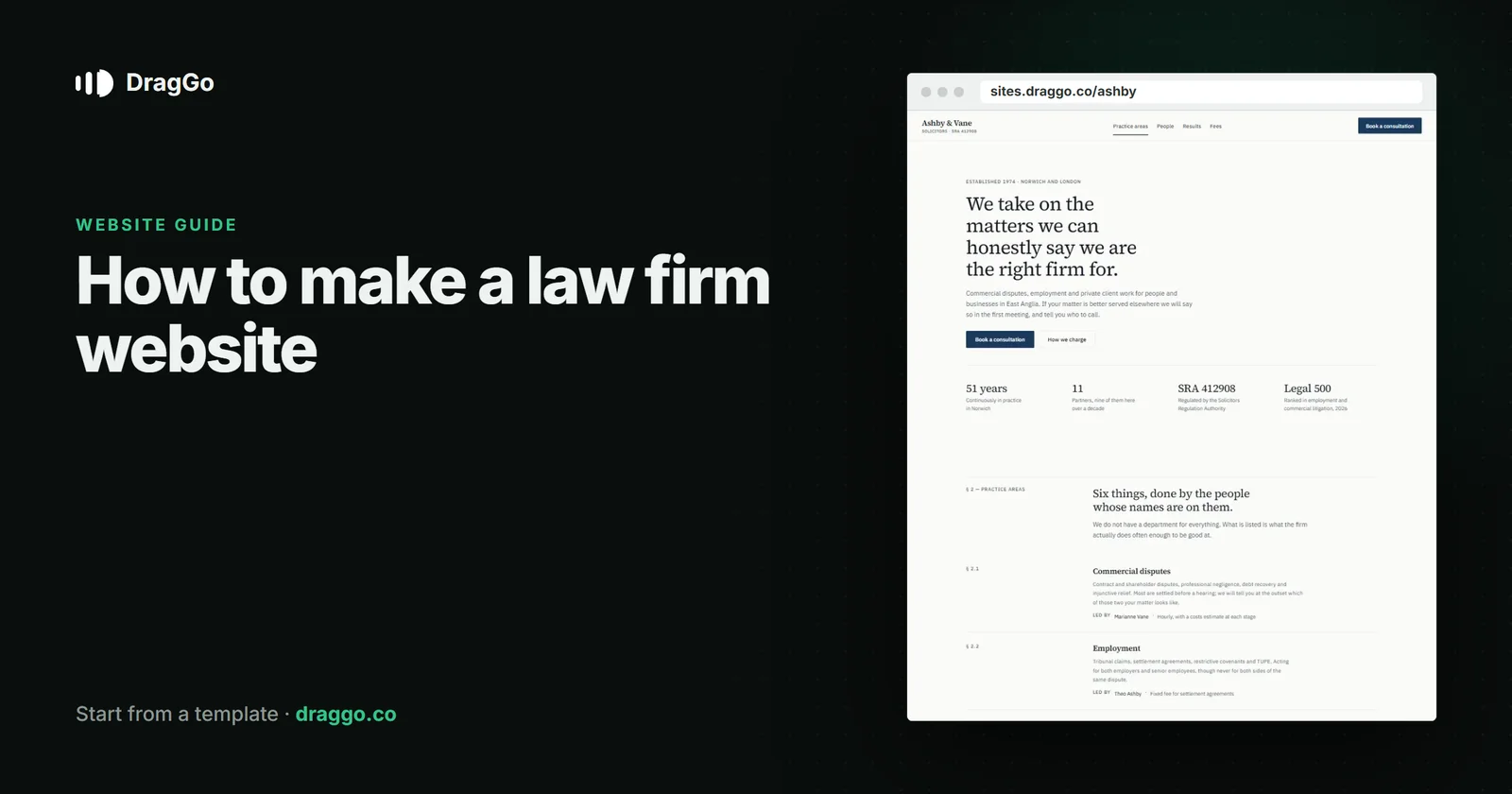
Short answer: people usually look for a lawyer on a difficult day, so a law firm website earns the call by being clear, calm and specific. Give each practice area its own page, show the lawyers who will actually handle the matter, explain the first steps and the fees in plain language, and make contacting you easy and confidential.
The one job
A visitor wants to know: do you handle my kind of problem, can I trust you, and what happens if I call. Answer those three and the site has done its job.
The pages you need
- Home — what you do and for whom (individuals, businesses, both), and where.
- Practice areas — one page each: family, employment, property, wills, business. Each explains the common situations, what you do and what happens first.
- Lawyers — real people, their experience, what they handle.
- Fees — fixed fees where you have them, how hourly work is billed, whether the first consultation is free.
- Insights — short, plain answers to the questions clients ask. They build trust and search visibility together.
- Contact — a short form, a phone number, office addresses and a clear note on confidentiality.
What goes above the fold
- Your practice, your area, and one line on how you work ("fixed fees, plain English").
- Book a consultation and a phone number.
- A real photograph of your people.
Details that build trust
- Plain language. If a paragraph needs a law degree to read, it is written for the wrong reader.
- Accreditations and regulation, stated simply.
- What happens after you call — a short, honest timeline.
SEO and answer engines
- Use the
LegalServiceschema type (orAttorneywhere it fits) with address, area served and hours. - Answer one question per insight page, in the first two sentences. These are exactly the questions people now ask AI assistants before they call anyone.
- Keep firm name, address and phone identical everywhere.
Build it with DragGo
- Open the Ashby & Vane — Solicitors template — a firm site with practice areas, the team and a consultation form laid out, or pick any other from the Marketplace.
- Hand the Agent your logo, a text file with what you do, and your photos. It puts them into the template's own places, writes whatever your files leave out, and asks for the facts only you know — phone, address, hours — instead of making them up. Here is that flow, step by step.
- Check it on Desktop, Tablet and Phone — each has its own layout you can adjust.
- Press Publish. The site is live on a free address, and you can connect your own domain for free with the certificate included.
Titles, descriptions, canonical links and structured data are written for every page when you publish, and the pages are plain HTML, so both search engines and AI answer engines can read them.
A checklist
- One page per practice area.
- Real lawyers, real photographs.
- Fees and first steps in plain language.
- Confidential, easy contact.
LegalServiceschema and question-answering insight pages.