How to make a photography portfolio website
A portfolio is an edit, not an archive. Here is how to choose the work, structure the site, show prices and keep a photo-heavy site fast.
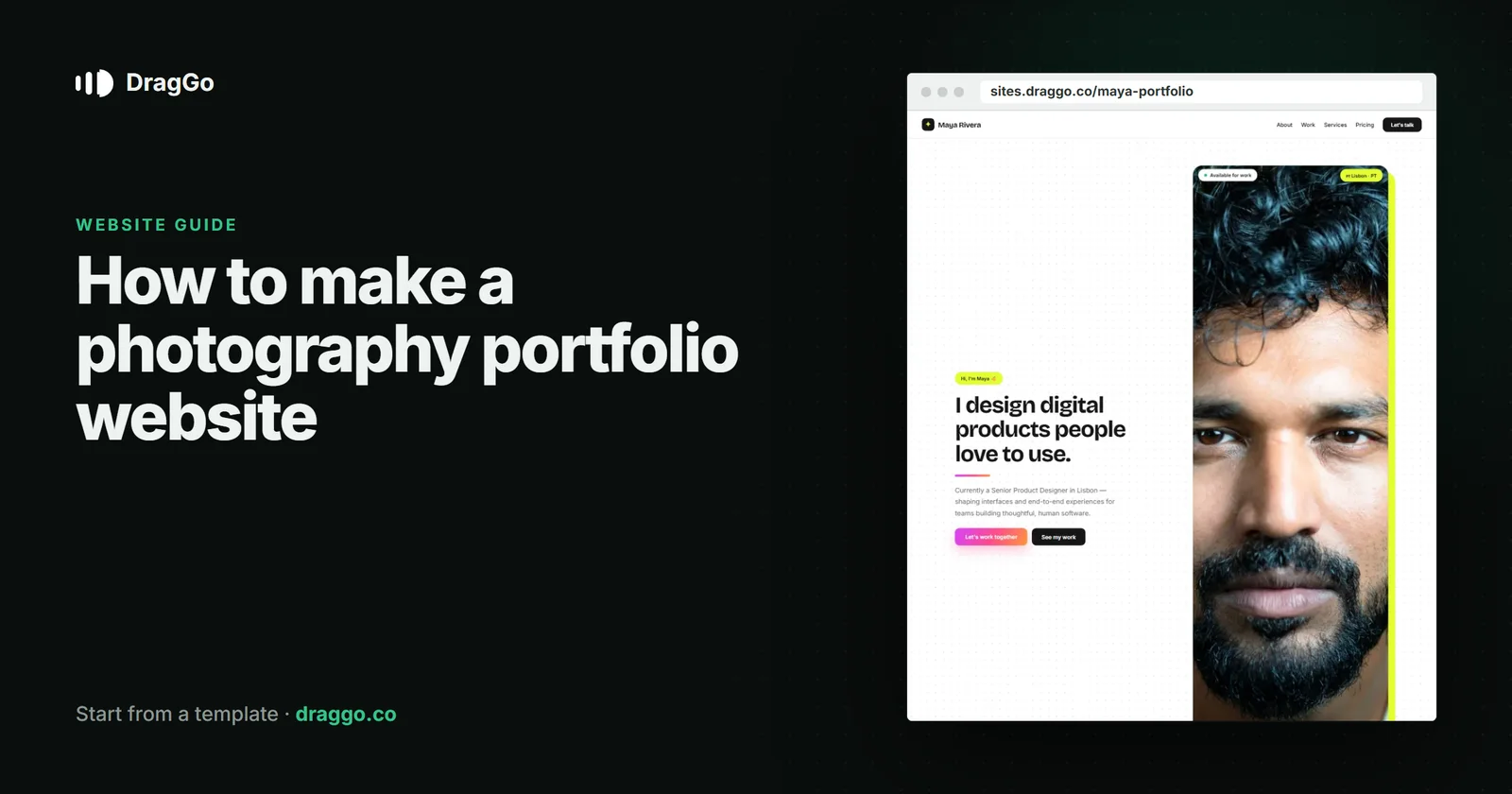
Short answer: a photography portfolio should show your best twenty images, not your last two hundred, organised by the kind of work people hire you for, with a clear way to see prices and book. Keep the images large but fast, tell people who you are, and make the enquiry form ask for the date and the kind of shoot.
The one job
A client is asking: can this person shoot what I need, in a style I like, and can I afford them? Every page should answer one of those.
The pages you need
- Home — your name, what you shoot, where, and three or four images that define your style.
- Portfolio — one gallery per kind of work: weddings, portraits, products, events. Curated hard.
- About — who you are and how you work on the day. People hire a person.
- Pricing — packages or "from" prices. Photographers who hide prices get fewer, colder enquiries.
- Contact / booking — ask for the date, the location and the type of shoot.
What goes above the fold
- Your name and your specialism, in one line.
- One image that says what you do best.
- Check availability as the one button.
Keep a photo site fast
- Export images at the size they are shown, not straight off the camera.
- Use modern formats and let images below the first screen load as the visitor scrolls.
- A portfolio that takes ten seconds to appear loses the client before the first photograph does its work.
SEO and answer engines
- Name and describe your images — the alt text is where "wedding photographer in …" actually gets read.
- Use
LocalBusinessorProfessionalServiceschema for the business and aPersonfor you, with the area you serve. - Write a short page for each service in each area you cover, answering "how much does a … photographer cost?" in the first two sentences.
Build it with DragGo
- Open the Maya Rivera — Creative Portfolio template — a portfolio with galleries, an about page and contact laid out, or pick any other from the Marketplace.
- Hand the Agent your logo, a text file with what you do, and your photos. It puts them into the template's own places, writes whatever your files leave out, and asks for the facts only you know — phone, address, hours — instead of making them up. Here is that flow, step by step.
- Check it on Desktop, Tablet and Phone — each has its own layout you can adjust.
- Press Publish. The site is live on a free address, and you can connect your own domain for free with the certificate included.
Titles, descriptions, canonical links and structured data are written for every page when you publish, and the pages are plain HTML, so both search engines and AI answer engines can read them.
A checklist
- Twenty great images beat two hundred good ones.
- One gallery per kind of work you want more of.
- Prices, or where they start.
- Fast, correctly sized images with real alt text.
- An enquiry form that asks for the date and the shoot.