How to make a restaurant website that fills tables
People open a restaurant website to answer four questions: what is on the menu, when are you open, where are you, and can I book. Here is how to answer all four on the first screen.
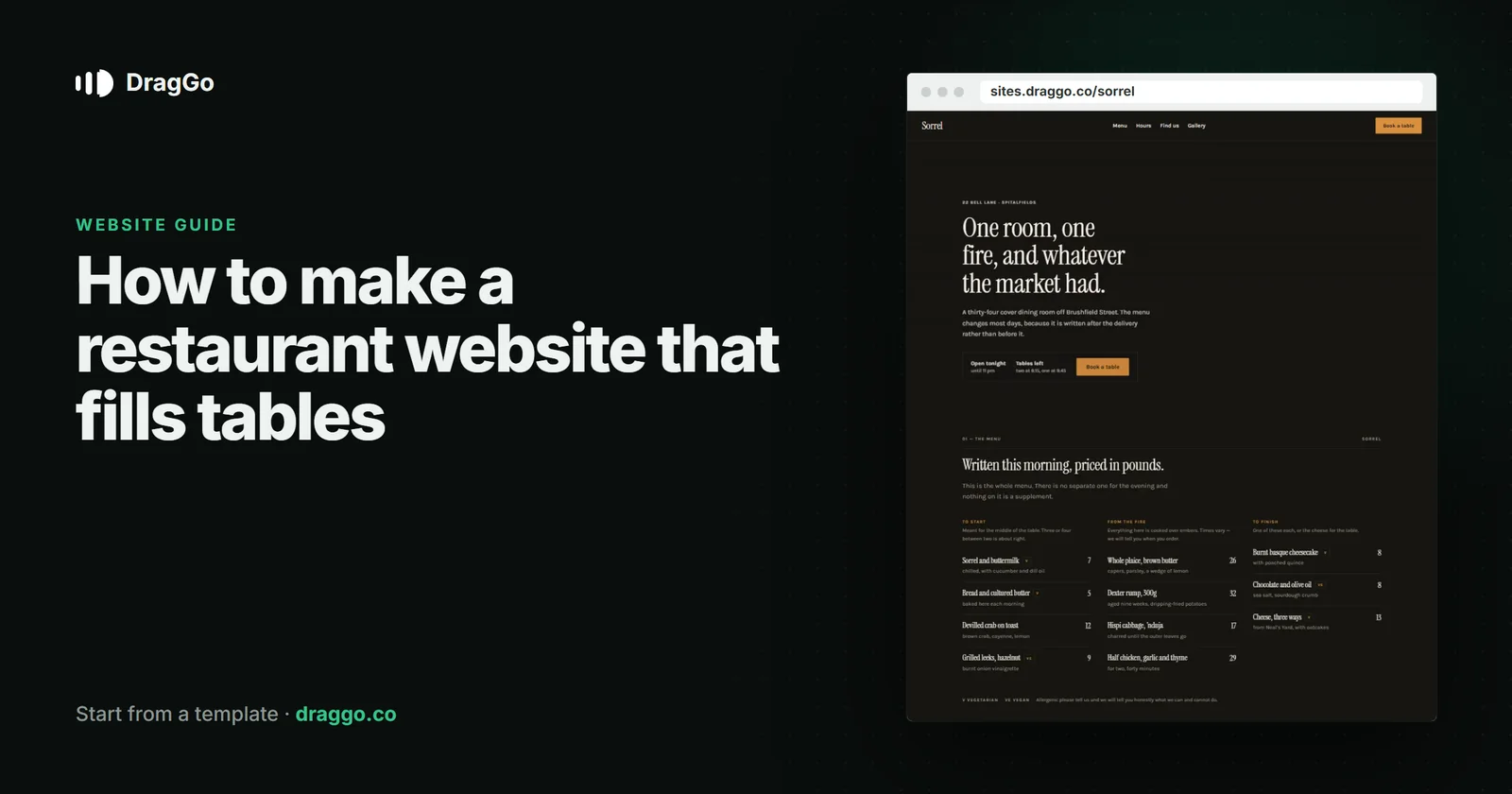
Short answer: a restaurant website exists to answer four questions fast — what is on the menu, when are you open, where are you, and can I book a table. Put the menu on the page as real text, keep hours and address identical everywhere they appear, make booking one tap on a phone, and use your own food photographs.
The one job
Most visits happen on a phone, often while somebody is deciding between you and the place next door. The site wins when the answer to "can we eat there tonight?" takes seconds.
The pages you need
- Home — the kind of food, the feel of the room, hours, address and the booking button, all on the first screen.
- Menu — as text, with prices, not a PDF or a photo of the printed menu. Text can be searched, read aloud and quoted; a PDF mostly cannot.
- Book — your booking tool, or a phone number that can be tapped.
- About — the chef, the story, the sourcing. Short.
- Find us — the map, parking, transport, accessibility.
- Private dining or events, if you do them — it is often the highest-value enquiry you get.
What goes above the fold
- The name, the kind of food and the neighbourhood, in one line.
- Today's hours and a Book a table button.
- One photograph of a real dish or the real room.
Details that win the table
- Dietary notes on the menu — vegetarian, vegan, gluten-free. People filter on these before anything else.
- Prices on the menu. A missing price reads as an expensive one.
- Opening hours that match everywhere — your site, your map listing and your social profiles. A mismatch costs bookings and search trust.
SEO and answer engines
- Use the
Restaurantschema type, withservesCuisine,priceRange,openingHours,acceptsReservationsand a link to the menu. - Keep your name, address and phone exactly the same on the site and on your map listing.
- Put a short FAQ on the page — parking, children, dietary options, private hire. These are the questions people now ask AI assistants, and a visible answer on your page is what gets quoted.
Build it with DragGo
- Open the Sorrel — Kitchen & Bar template — a restaurant site with the menu, the room and the booking step laid out, or pick any other from the Marketplace.
- Hand the Agent your logo, a text file with what you do, and your photos. It puts them into the template's own places, writes whatever your files leave out, and asks for the facts only you know — phone, address, hours — instead of making them up. Here is that flow, step by step.
- Check it on Desktop, Tablet and Phone — each has its own layout you can adjust.
- Press Publish. The site is live on a free address, and you can connect your own domain for free with the certificate included.
Titles, descriptions, canonical links and structured data are written for every page when you publish, and the pages are plain HTML, so both search engines and AI answer engines can read them.
A checklist
- Menu as text, with prices and dietary notes.
- Hours, address and phone on the first screen, the same everywhere.
- Booking in one tap on a phone.
- Your own food and room photographs.
Restaurantschema and a short FAQ.