How to make a SaaS landing page
Software is bought for what changes after you use it. Here is the SaaS landing page structure that shows that change, proves it and turns it into a sign-up.
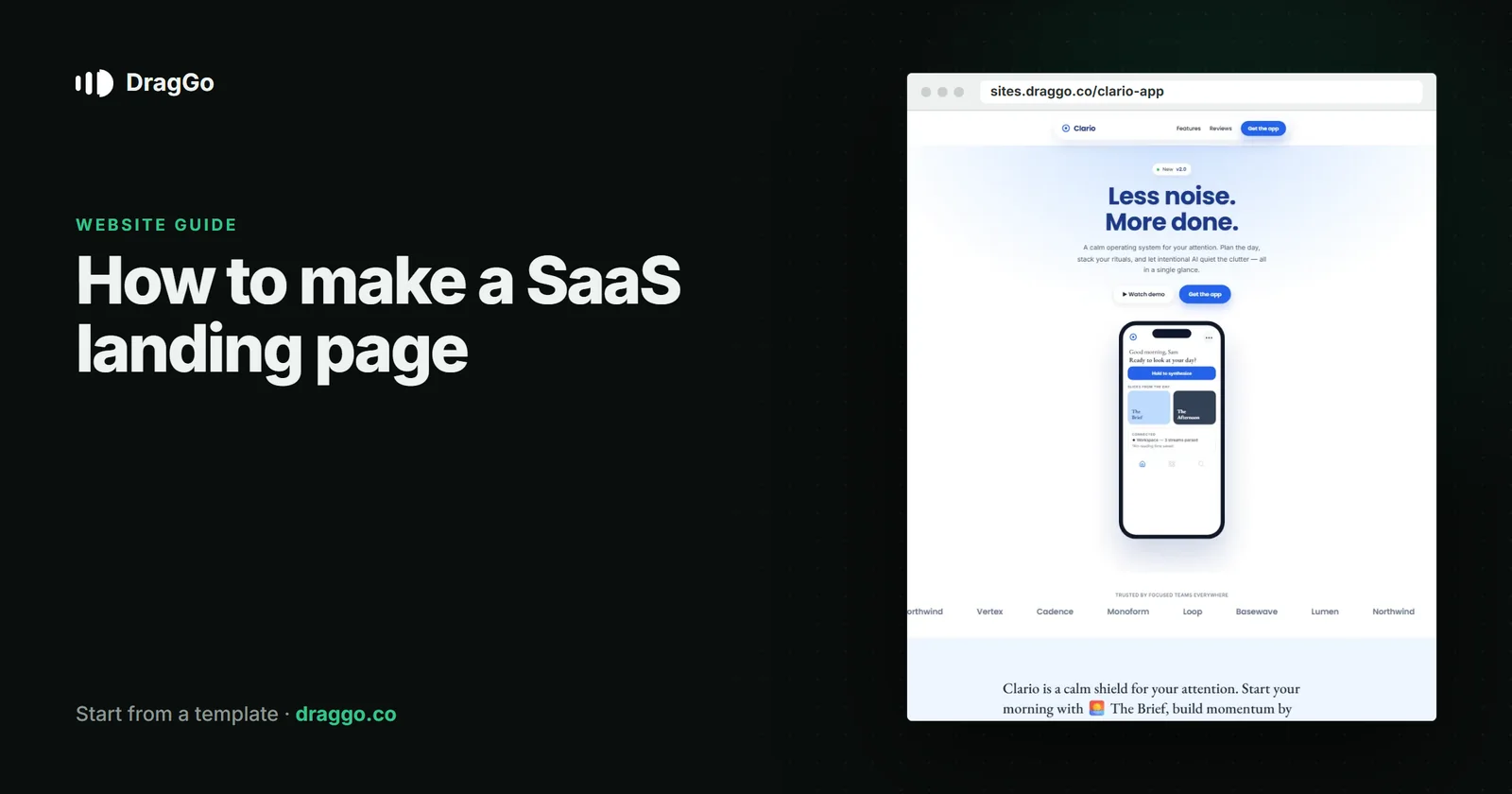
Short answer: a SaaS landing page should sell the change, not the feature list: say what gets better, show the real product doing it, prove it with customers, price it openly and make starting free or booking a demo one click. Keep one primary button and repeat it.
The one job
Visitors arrive with a problem and ten tabs open. The page wins if, in the first screen, they see the problem solved in the product itself.
The sections that work
- Hero — the outcome in the headline, who it is for underneath, one button, and a real screenshot or short product clip.
- Logos or a number — who uses it, if you can say.
- The before and after — the old way, the new way, in two short lines each.
- Three core features — each as a result, with the screen that delivers it.
- Proof — a specific customer quote with a name, a role and a result.
- Pricing — the plans, what each includes, and what is free.
- Security and integrations — the questions a buyer's team will ask.
- FAQ, then the same button again.
What goes above the fold
- An outcome headline: "Close the month in two days", not "Accounting platform".
- Start free or Book a demo — pick the one that matches how you sell.
- The product itself, not an abstract illustration.
Details that lift sign-ups
- Show the price. Enterprise buyers still want a starting point.
- Say what "free" means — trial length, no card required, or a free plan.
- A short sign-up. Email first; everything else can wait until they are inside.
SEO and answer engines
- Use
SoftwareApplicationschema withoffersand a real price. - Give each major use case its own page answering one question — "how do I …?" — in the first two sentences.
- Comparison pages ("you vs the usual way") are searched heavily and quoted often, when they are honest.
Build it with DragGo
- Open the Clario — App & SaaS Landing template — a product landing with features, pricing and an FAQ laid out, or pick any other from the Marketplace.
- Hand the Agent your logo, a text file with what you do, and your photos. It puts them into the template's own places, writes whatever your files leave out, and asks for the facts only you know — phone, address, hours — instead of making them up. Here is that flow, step by step.
- Check it on Desktop, Tablet and Phone — each has its own layout you can adjust.
- Press Publish. The site is live on a free address, and you can connect your own domain for free with the certificate included.
Titles, descriptions, canonical links and structured data are written for every page when you publish, and the pages are plain HTML, so both search engines and AI answer engines can read them.
A checklist
- The outcome in the headline, the product on screen.
- One primary button, repeated.
- Specific proof.
- Open pricing and a clear free offer.
SoftwareApplicationschema and use-case pages.