How to make an online store website for a small brand
A small brand can not win on price, so it wins on trust and detail. Here is what product pages, shipping, returns and search need for a small online store.
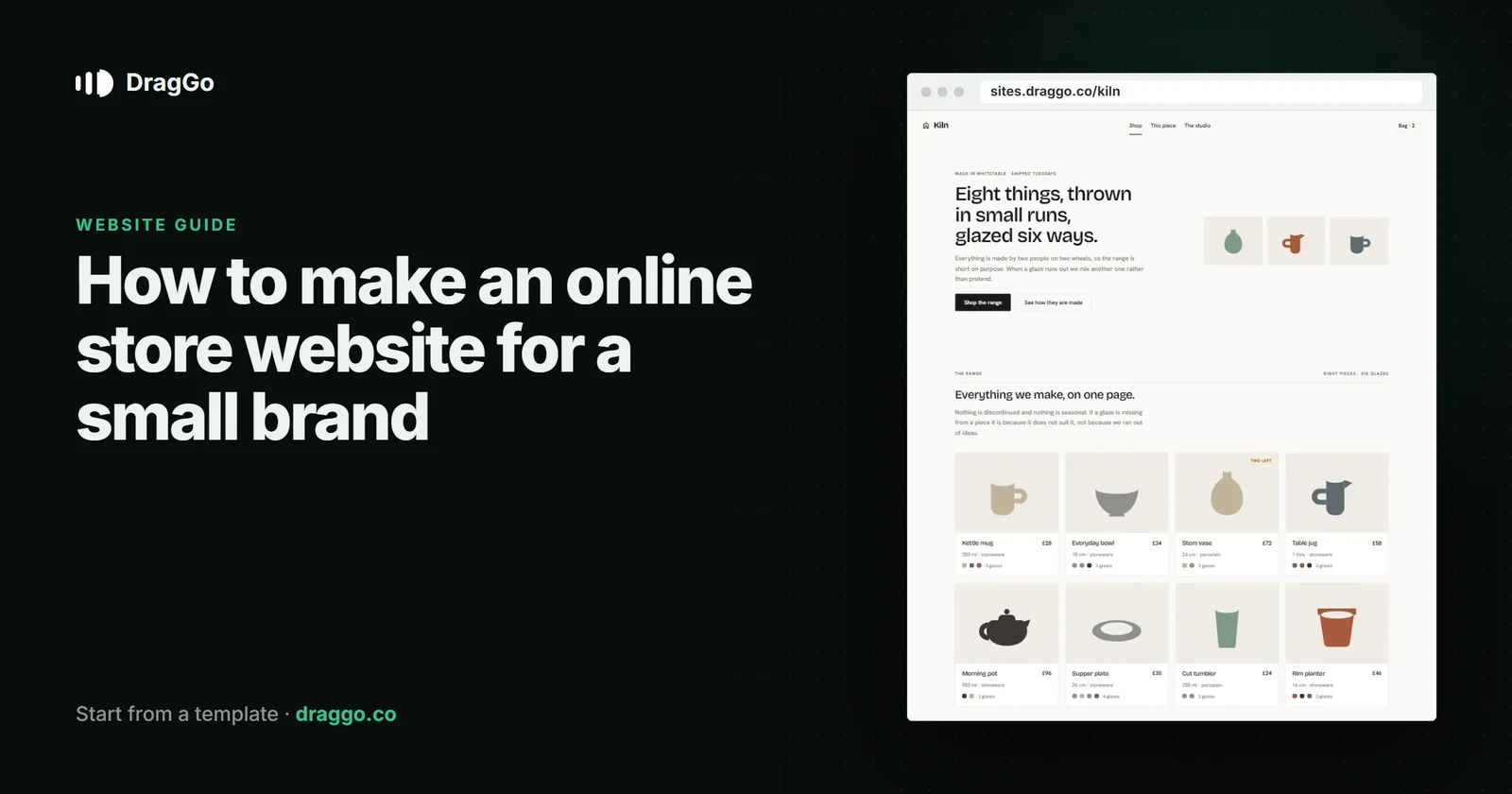
Short answer: a small online store wins on trust and detail, not on price. Give every product real photographs from several angles, the size, the material and the price in plain text, show shipping costs and delivery times before checkout, state returns simply, and tell the story of who makes it.
The one job
A visitor is asking: is this the real thing, will it arrive, and what if it is not right? A store that answers all three before checkout keeps its baskets.
The pages you need
- Home — what you make or sell, what makes it yours, and your best sellers.
- Shop — the range, with filters if you have more than a handful.
- Product pages — photos, price, size, materials, care, stock, delivery time.
- Shipping and returns — costs, times, how to send something back. Linked from every product.
- About — who makes it, where, how.
- Contact — a real person answers.
What goes above the fold
- What you sell, in a line that says why yours.
- A real product photograph.
- Shop the range as the one button.
Details that keep the basket
- Shipping cost before checkout. Surprise costs are the most common reason carts are abandoned.
- Stock and delivery time on the product page.
- Returns in one sentence — "30 days, free returns" beats a policy page nobody reads.
SEO and answer engines
- Use
Productschema withoffers(price, currency, availability) on every product page, andOnlineStoreorOrganizationfor the shop. - Write product descriptions for people, answering the questions a buyer asks — size, material, care. Those same answers are what search and AI assistants pick up.
- Give each category a short introduction, not just a grid.
Build it with DragGo
- Open the Kiln — Ceramics Shop template — a small-brand shop with the range, a product page and the studio story laid out; DragGo's shop sections — product grid, add to cart, cart and checkout — are built in, or pick any other from the Marketplace.
- Hand the Agent your logo, a text file with what you do, and your photos. It puts them into the template's own places, writes whatever your files leave out, and asks for the facts only you know — phone, address, hours — instead of making them up. Here is that flow, step by step.
- Check it on Desktop, Tablet and Phone — each has its own layout you can adjust.
- Press Publish. The site is live on a free address, and you can connect your own domain for free with the certificate included.
Titles, descriptions, canonical links and structured data are written for every page when you publish, and the pages are plain HTML, so both search engines and AI answer engines can read them.
A checklist
- Real photographs, several angles.
- Price, size, materials and stock as text.
- Shipping costs and returns before checkout.
- The maker's story.
Productschema on every product page.